

5/29/26About 2 min
System Configuration
Open Setup Health first
On the Dashboard, the Setup Health section lists missing steps (accounts, FB settings, AI Posts…) and links directly to the right screen. See Setup Health.
Purpose
Configure server-side automation so the system automatically creates and schedules tasks for your Facebook accounts — configure once, then monitor at Facebook > Tasks.
Before you start
- At least one account exists under Facebook > Accounts.
- You know your goal: interactions only, personal posting, seeding, etc.
On the Management Website
| Menu item | What it does |
|---|---|
| FB settings | Interaction levels, active time windows, posts per day per level |
| AI Posts | Automatically generate post content |
| AI Summary | (Permission-dependent) advanced AI settings |
| Notification settings | Receive alerts for errors or important events |
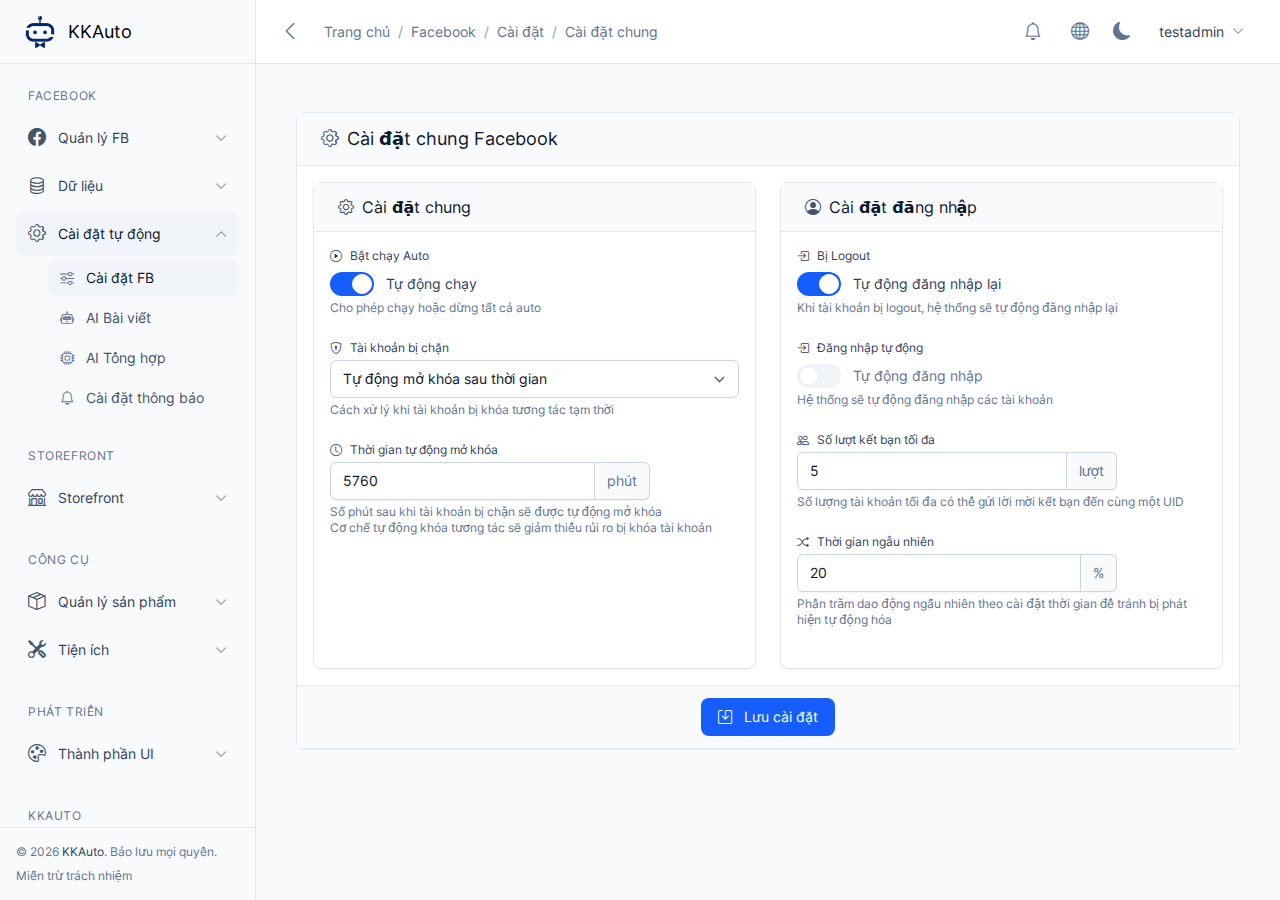
Steps
1. Configure interaction levels (FB settings)
- Open Automation settings > FB settings.
- Understand the levels (assigned to each account in the Accounts section):
| Level | Typical meaning |
|---|---|
| 0 | New account — mostly light interactions |
| 1 | Warmed up for some time |
| 2 | Can post, seeding |
| 3 | Strong account — more posts and comments |
| 4 | Very strong, many friends |
- For each level, configure:
- Active time window during the day.
- Number of posts / interactions appropriate for that level.
- Enable the automatic task types you want (profile posts, group posts, join groups, comments, seeding…).
Related capabilities
After enabling each type in FB settings, see: Group posting, Join groups, Approve Groups, Seeding, Group comments.
Tips
After saving, the Server creates tasks on schedule — monitor them at Facebook > Tasks; no manual creation needed daily.
2. Configure AI (if using)
- In FB settings (or the AI settings section in the interface), add an AI provider and test the connection before enabling AI Posts.
3. Create AI Posts
- Open Automation settings > AI Posts — details at AI Posts.
4. Verify after configuration
- Wait for one schedule cycle, then open Facebook > Tasks and filter for new tasks.
- Make sure the desktop app is connected and automation is running if tasks need to execute on a PC.
Expected outcome
Levels and schedules saved; AI Posts (if configured) working; new tasks appearing periodically under Tasks.
Common issues
| Symptom | Suggestion |
|---|---|
| No automatically created tasks | Check levels, active time windows, and account status |
| AI cannot generate content | Check AI connection; check hashtags/products in AI Posts |
| Tasks created but not running | See Automatic Task Creation and the desktop app |