

5/29/26Less than 1 minute
Install KKAuto on Your Computer
Purpose
Install the KKAuto application on Windows so your machine can connect to the Server and run tasks through the antidetect browser.
Before you start
- Windows 10/11 (64-bit) as recommended by KKAuto.
- Administrator rights to install software on the machine.
- The official installer KKAutoSetup.exe (do not use files from unknown sources).
Steps
- Download KKAutoSetup.exe.
- Run the installer; choose a folder if prompted.
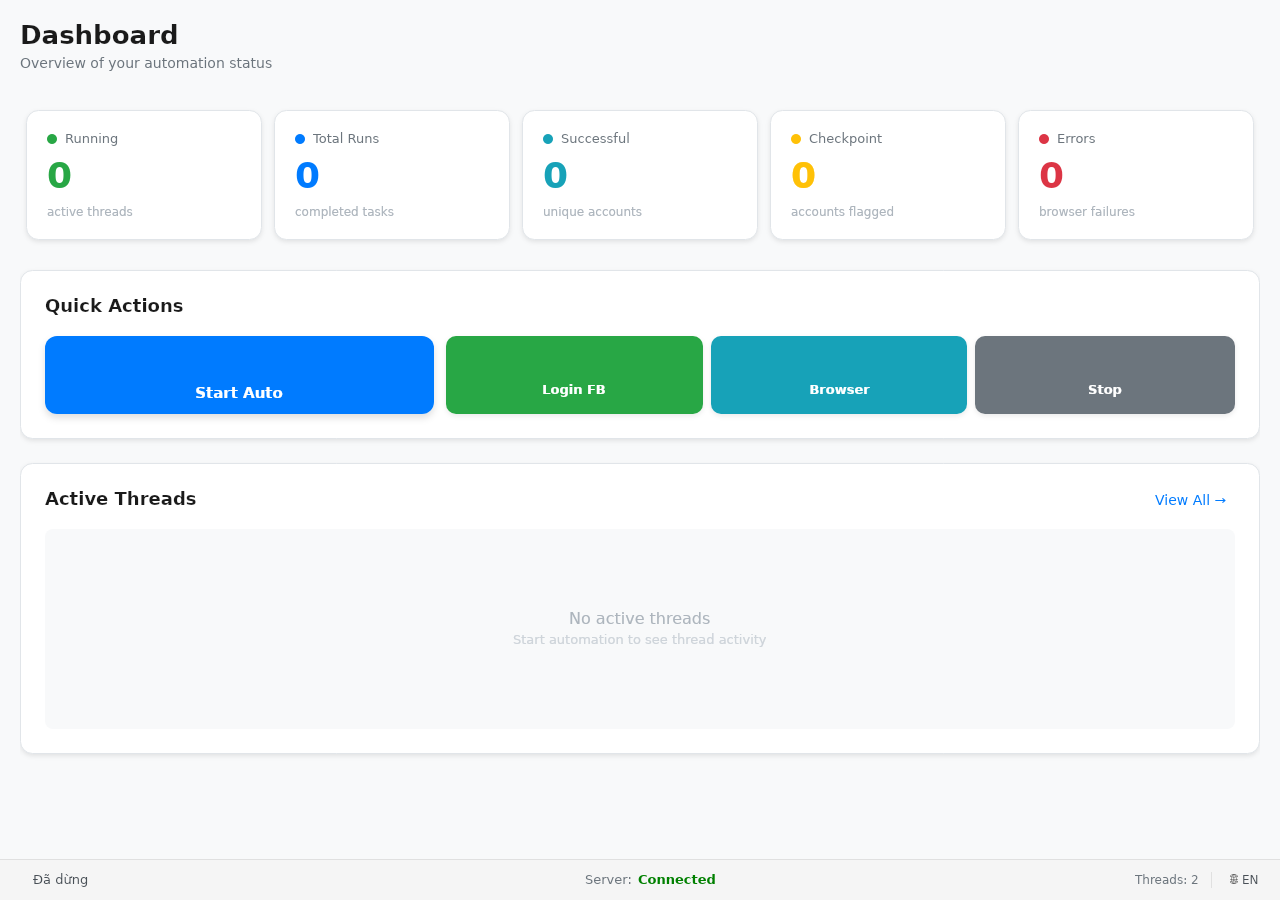
- Launch the application for the first time.
- (Recommended) Add the installation folder to your antivirus exclusions if the program is blocked.
- Install the antidetect browser before or right after — see Antidetect Browser.
- Next step: Connect to Server.
Expected outcome
The application opens successfully and is ready for you to enter the website address and log in.
Common issues
| Symptom | Suggestion |
|---|---|
| Installer does not run | Run as administrator; check security software |
| App closes immediately | Reinstall the latest version; contact support with an error description |